

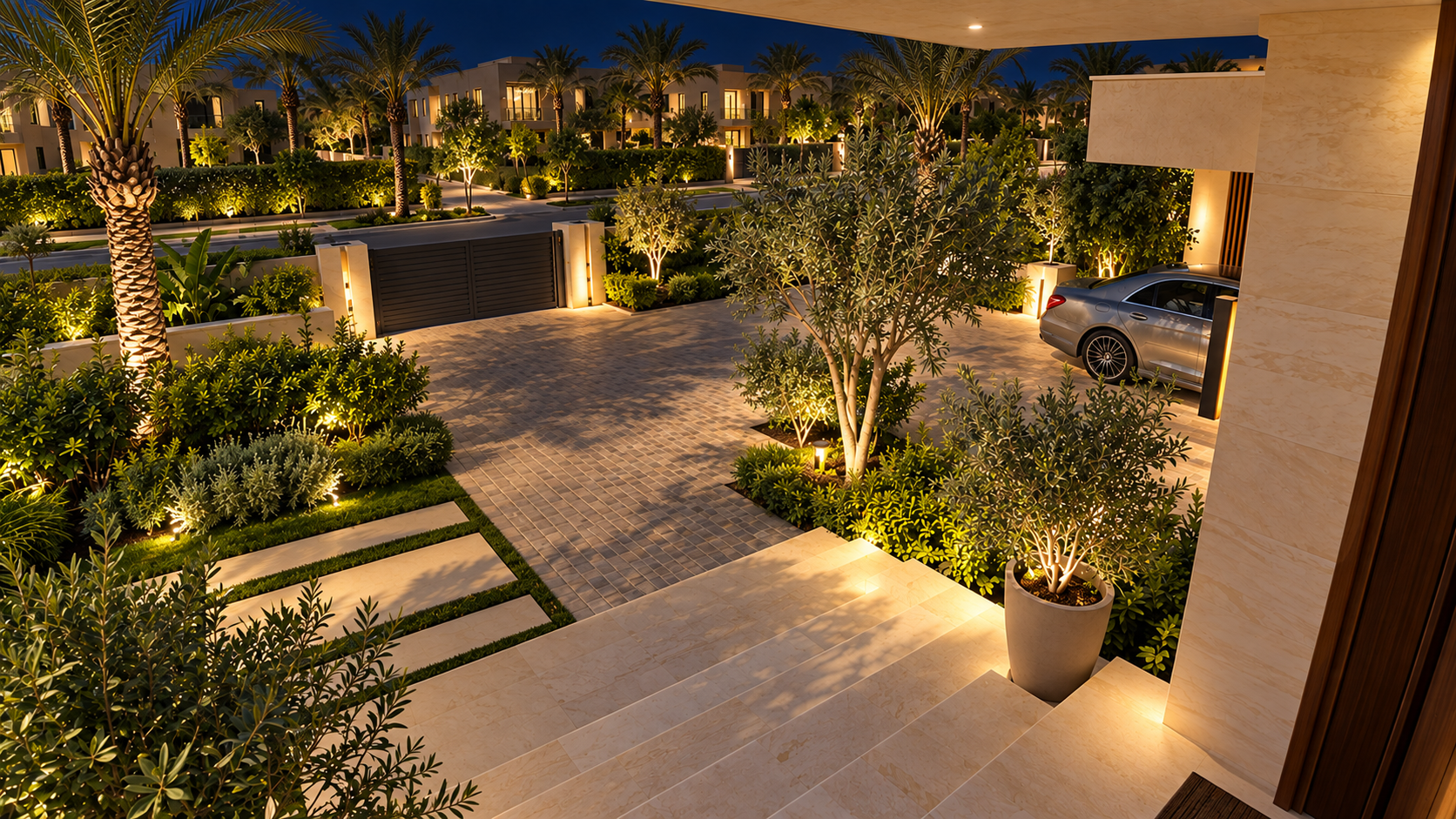
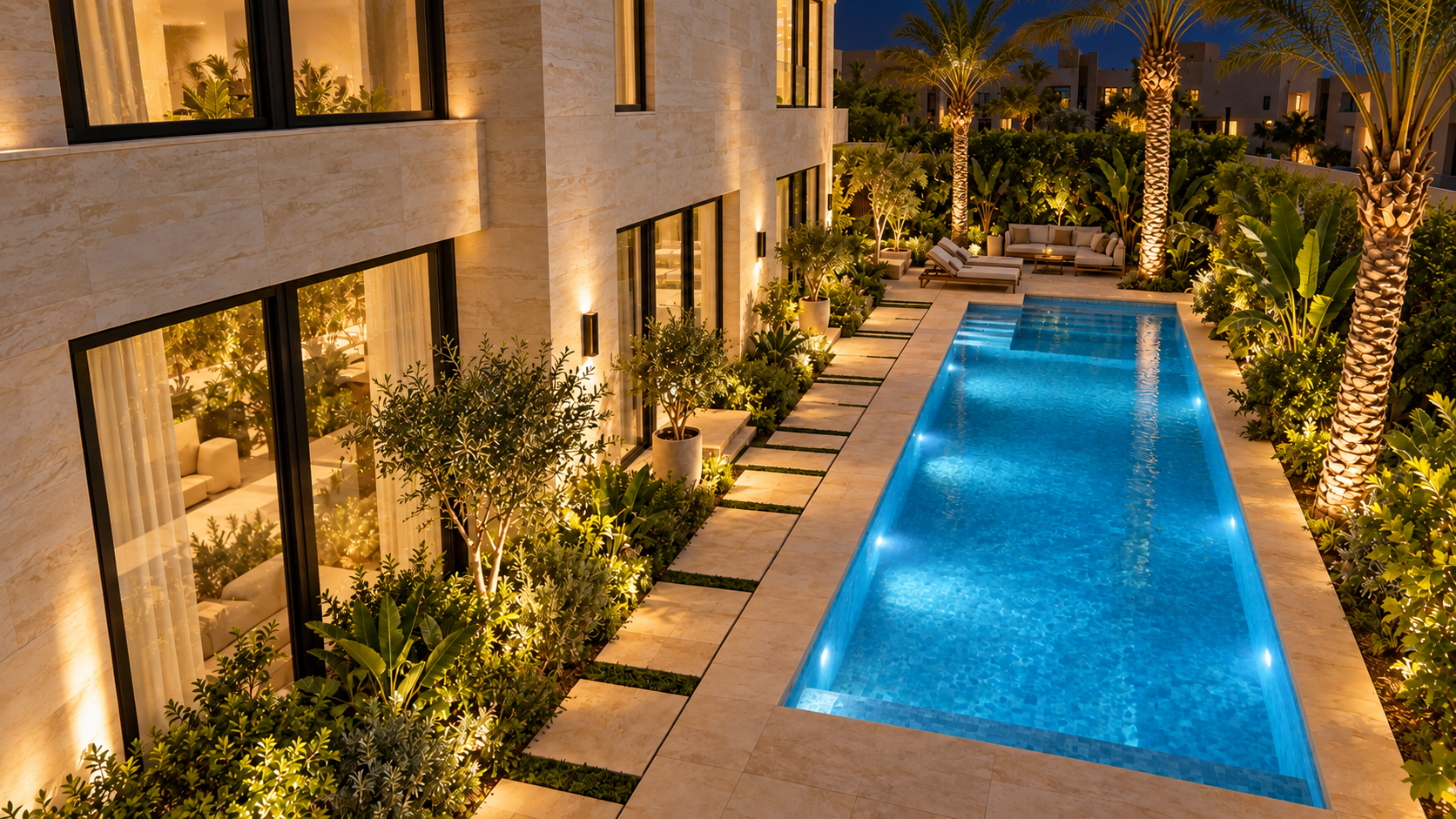
 Garden camera · After dark
Clarity after sunset.
Infrared or colour night imaging, selected for the lighting and detail needed around your property.

Surveillance systems by SwitchON
See who’s arriving. Check in while you’re away. Review the moments that matter. Designed, installed and supported by SwitchON engineers.
Night vision, chosen properly.
Stay connected to your home.
Recording that fits your needs.
Designed, fitted and supported.
01 / Explore the coverage
Choose a zone to see the view from its camera. Explore the entrance, driveway and garden by day or night.

Daytime coverage conceptOne property. A considered plan.
We assess the entrances, outdoor spaces and everyday movement around your home, then choose camera positions, lenses and recording to suit each area.
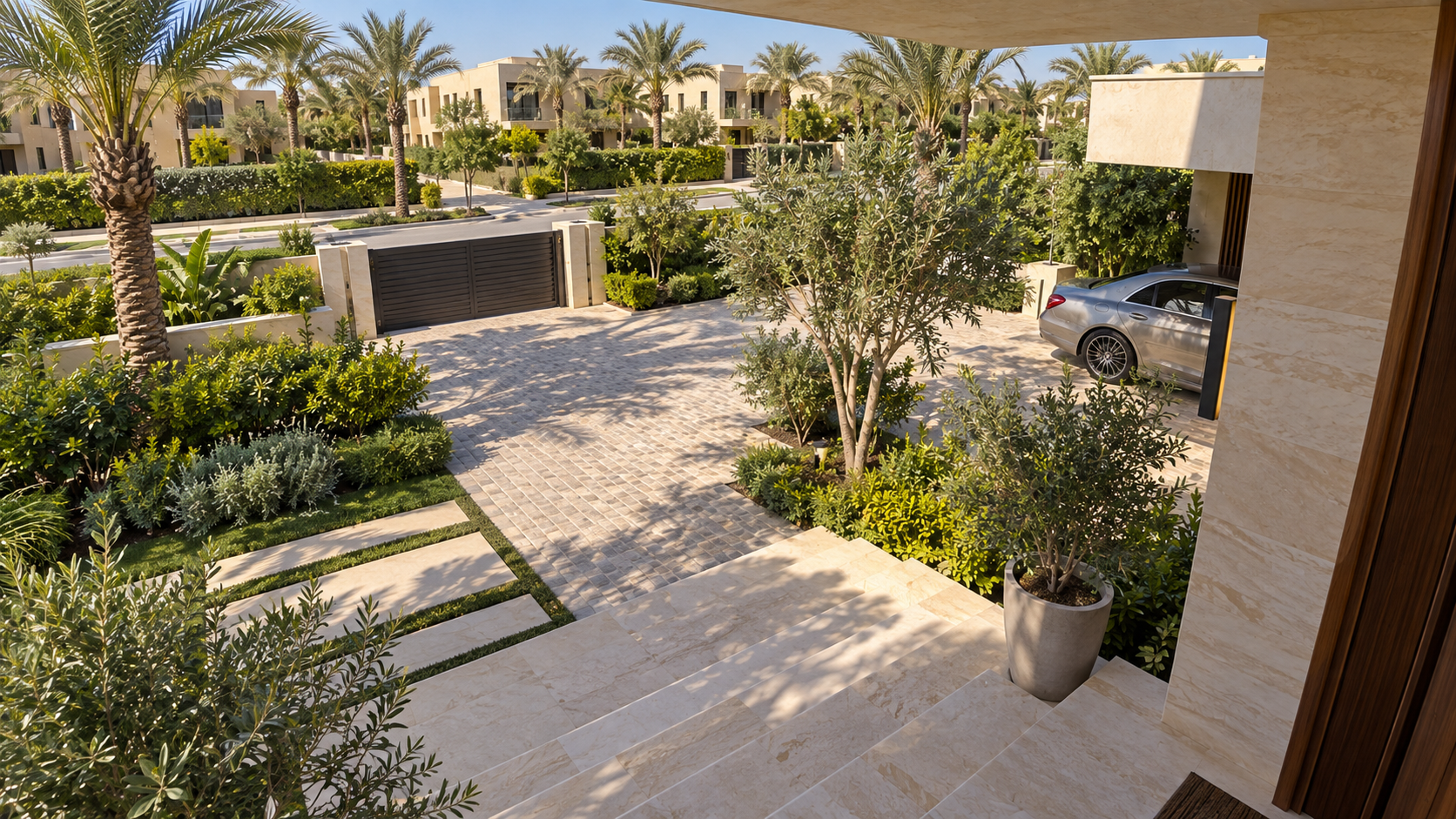
Illustrative views and zones. Actual coverage, camera positions and night performance are designed for your property and the selected equipment.
02 / More than a camera
A useful system brings together the right image, meaningful alerts and footage you can find when you need it.
Garden camera · After darkInfrared or colour night imaging, selected for the lighting and detail needed around your property.
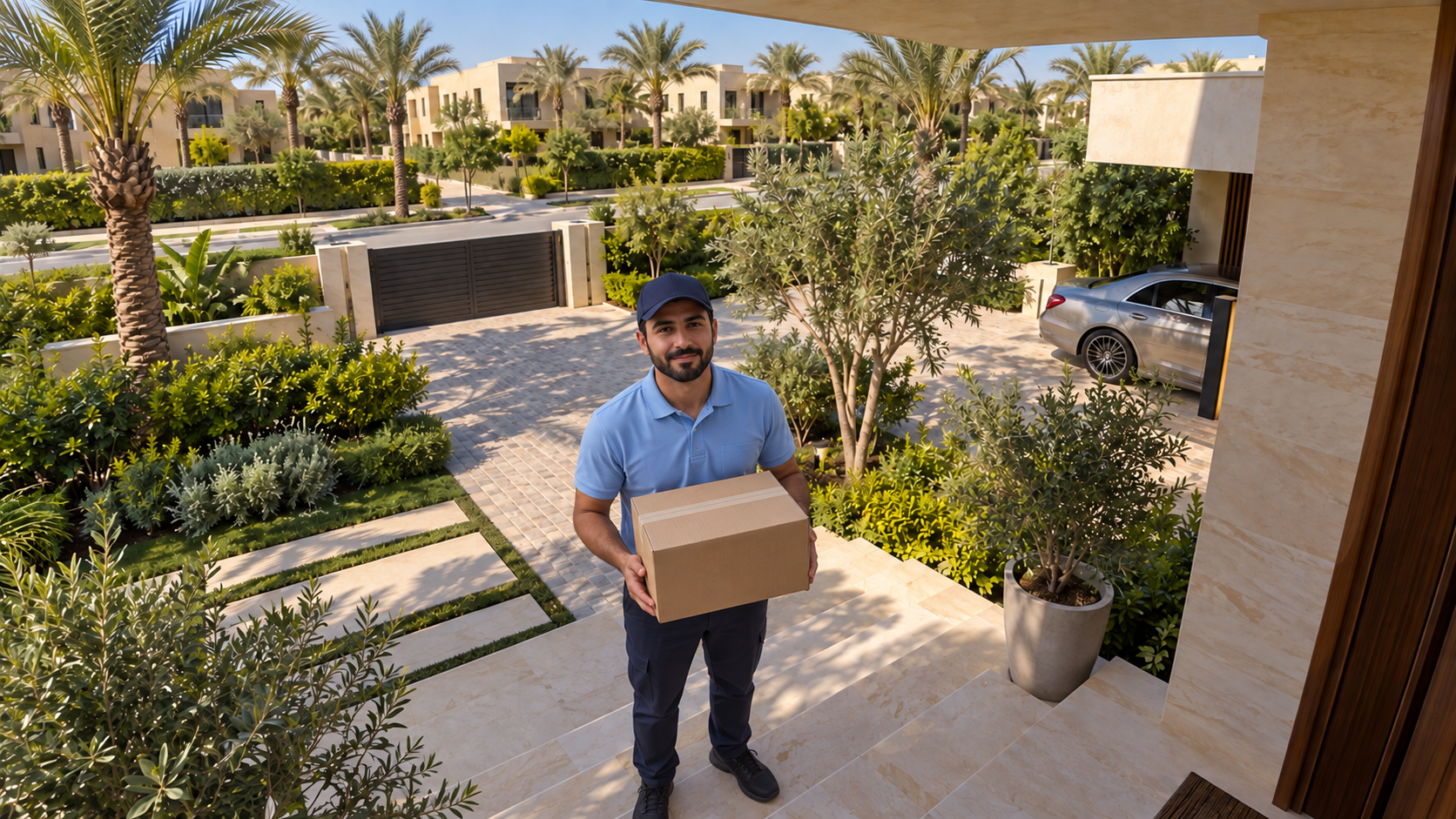
Know when someone arrives. Person and vehicle detection on selected cameras, with event zones set around your entrances.
Front entrance · Recorded viewRecording and storage planned around the moments you want to find and the history you need.
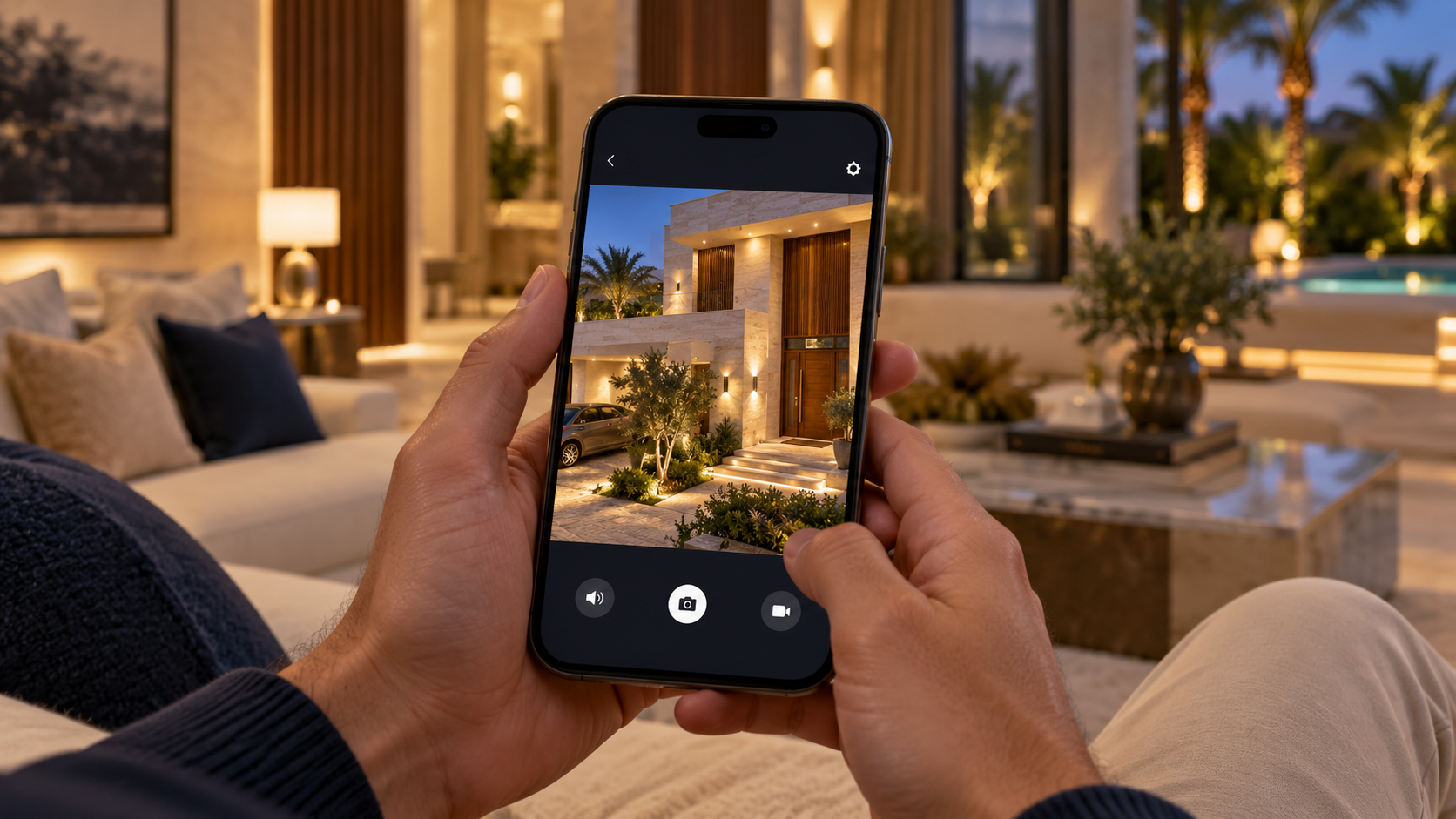 Your cameras. In your hands.
App access and user permissions, configured for the people you choose and explained at handover.
Illustrative camera views and example alerts. Detection, audio and night imaging features vary by model. We confirm the right equipment in your design and quotation.
03 / Connected to your home
At work, on holiday or simply upstairs. Open the supported app to view your cameras, review recordings and see configured event notifications.
Open the camera view you need from your phone.
Review recorded footage and locate relevant events.
Receive the event alerts configured for your system.
Try the viewing experience
Camera view · Example
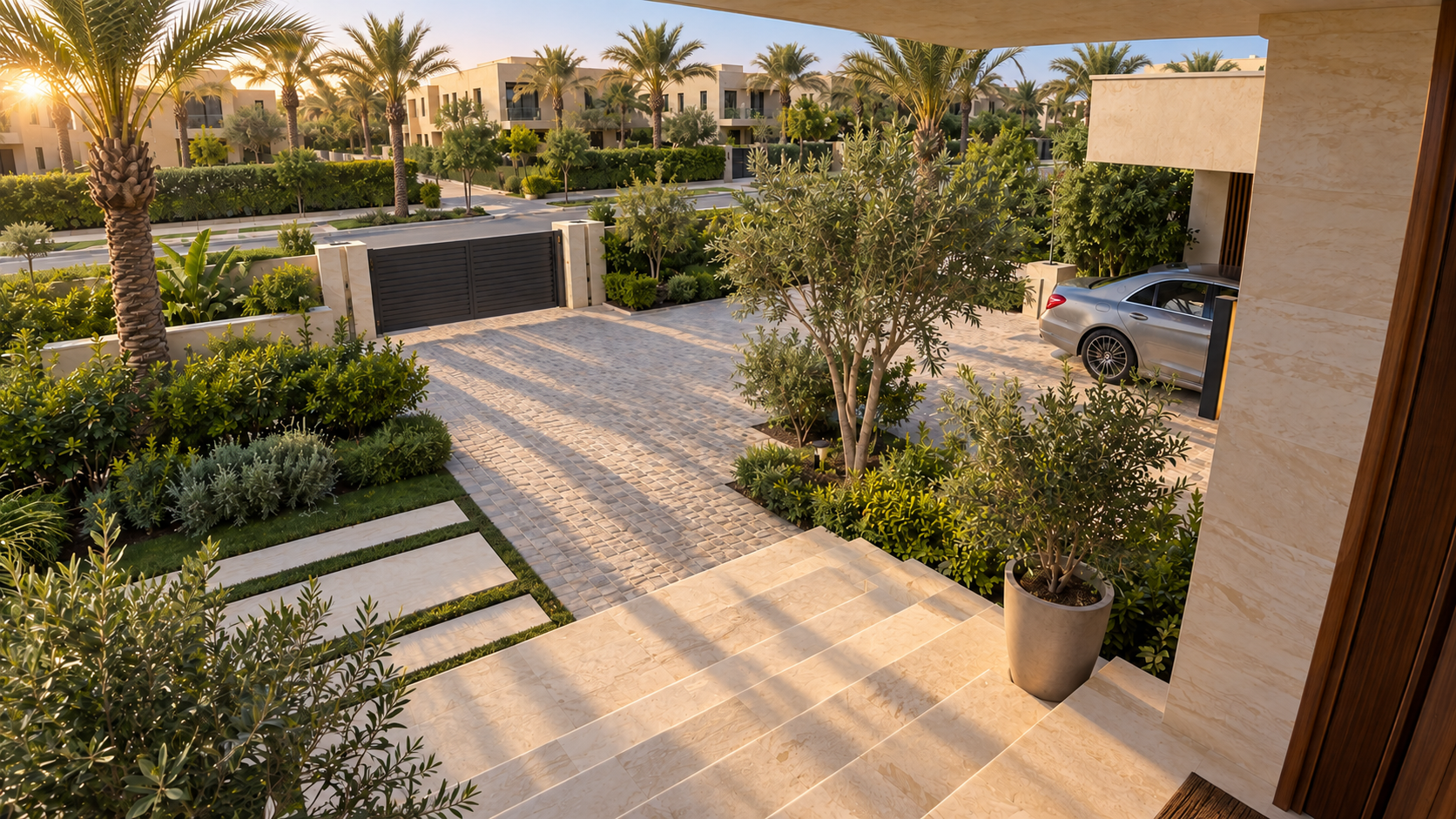
Your entrance, day and night.
Watch the preview change between morning and night.
Recorded view · Example
Drag through morning, afternoon and night.
Sample event notifications
Example event · 17:30
Example event · 16:42
Example event · 15:18
Events depend on the cameras and detection rules selected for your system.
Try Playback and drag the timeline.
Illustrative interface using morning, afternoon and night stills. The actual app and available features depend on your system. Remote access requires an internet connection.
04 / Designed by engineers
Camera placement is only the beginning. Recording, cabling, networking and setup all shape how useful your system will be.
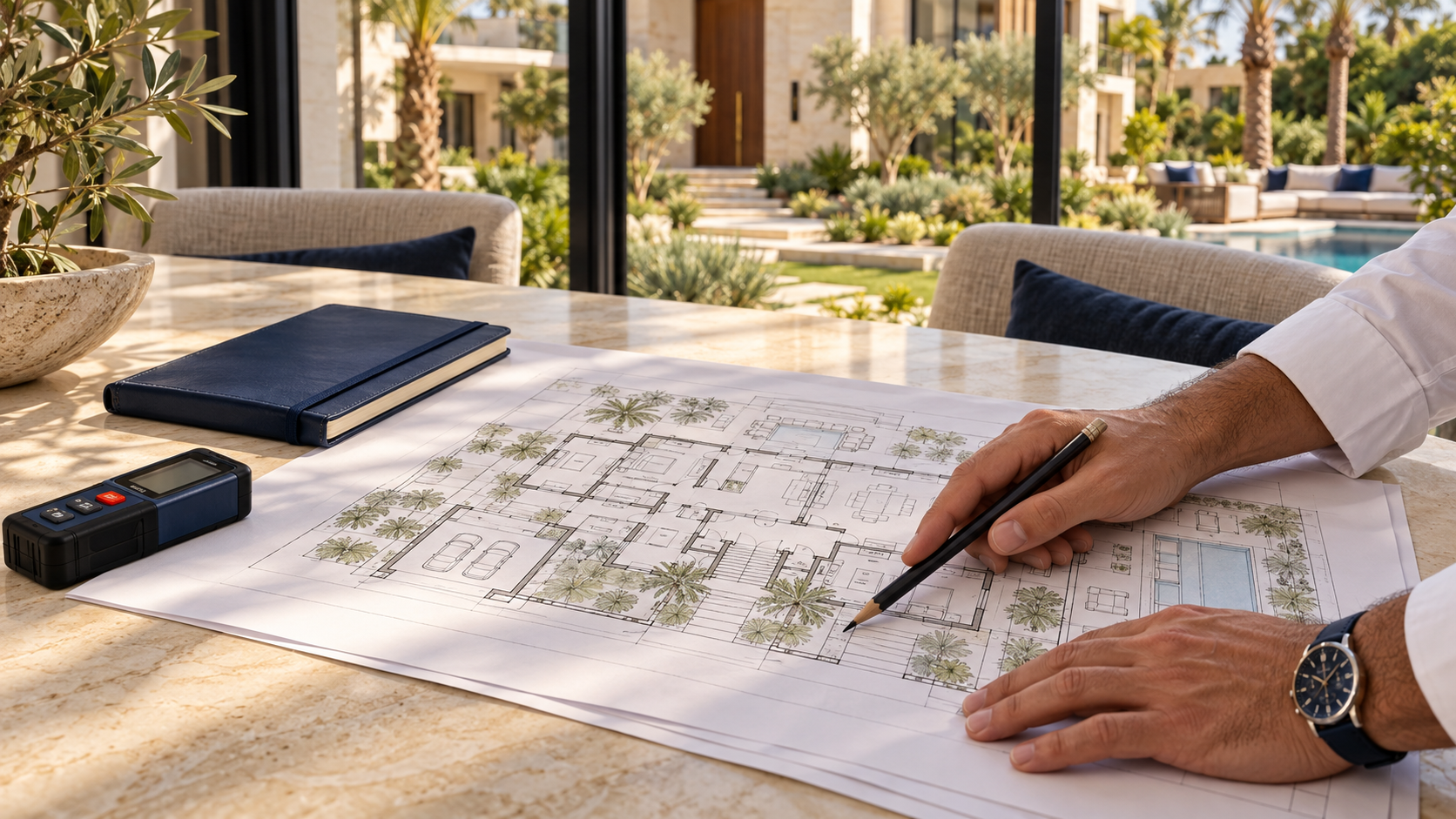 01 / Assess
Review your layout, access points and the detail you want to see.
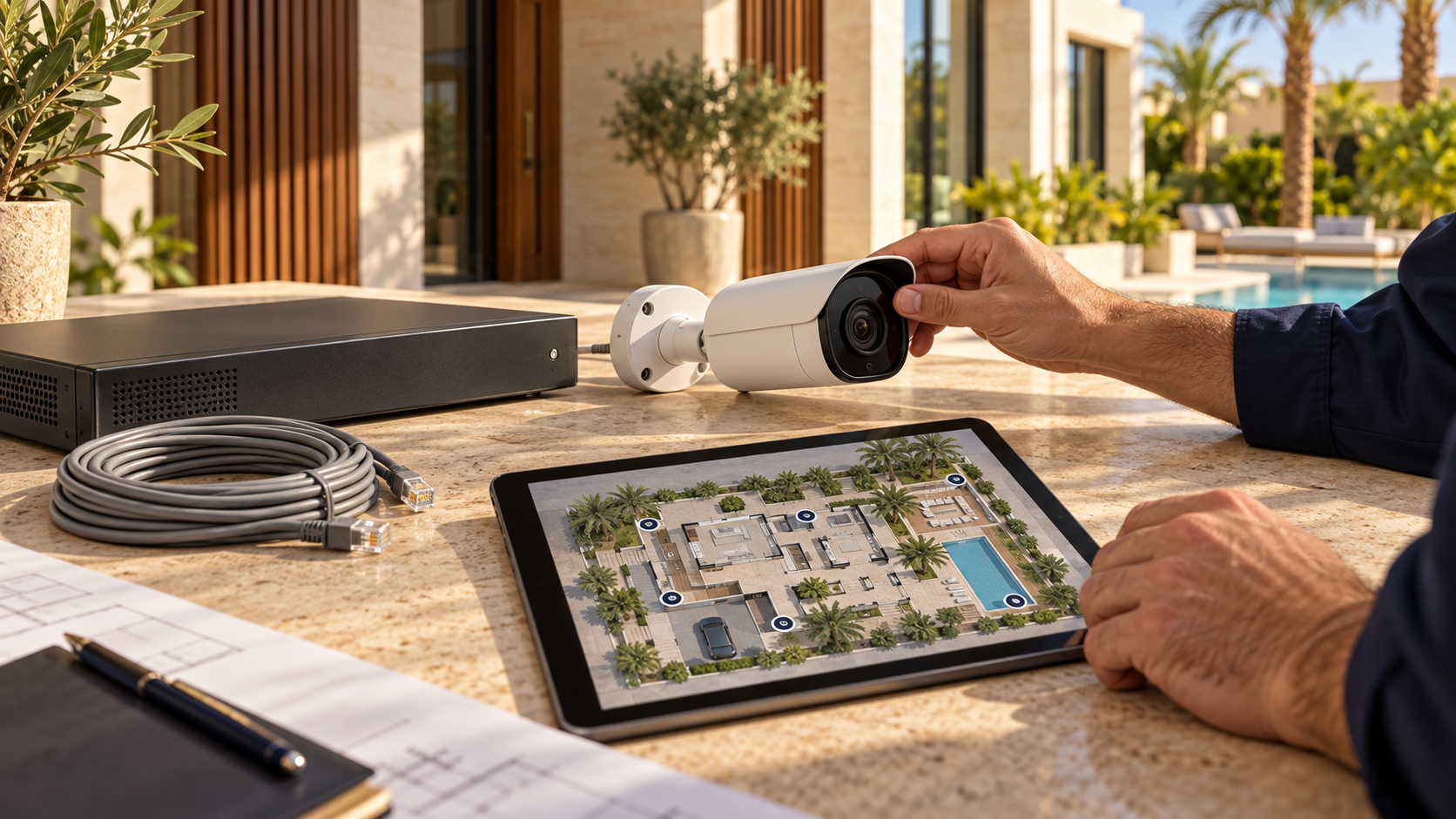 02 / Design
Match camera angles, lenses, night imaging and storage to each area.
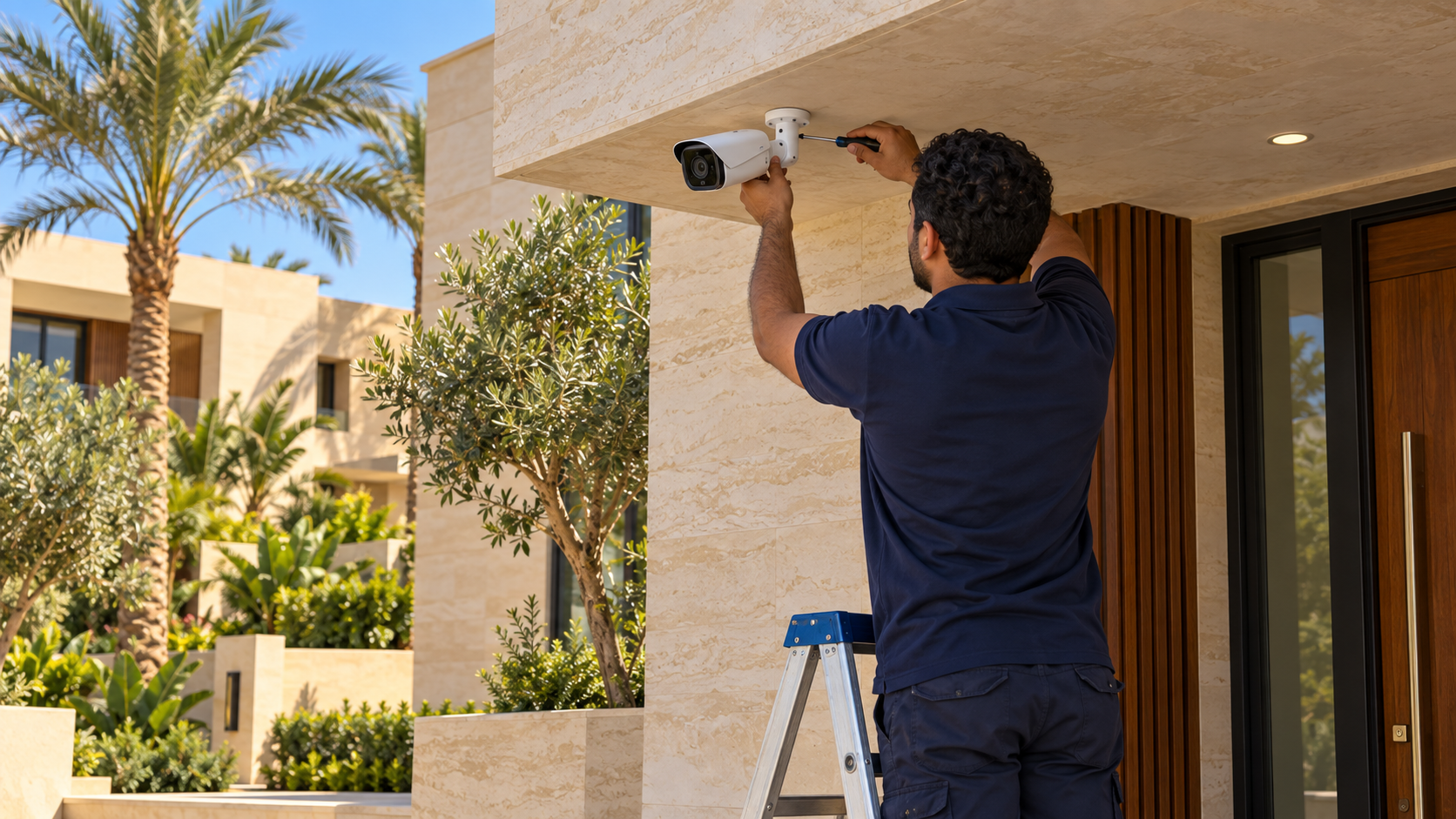 03 / Install
Fit the equipment, route cables neatly and test the actual camera views.
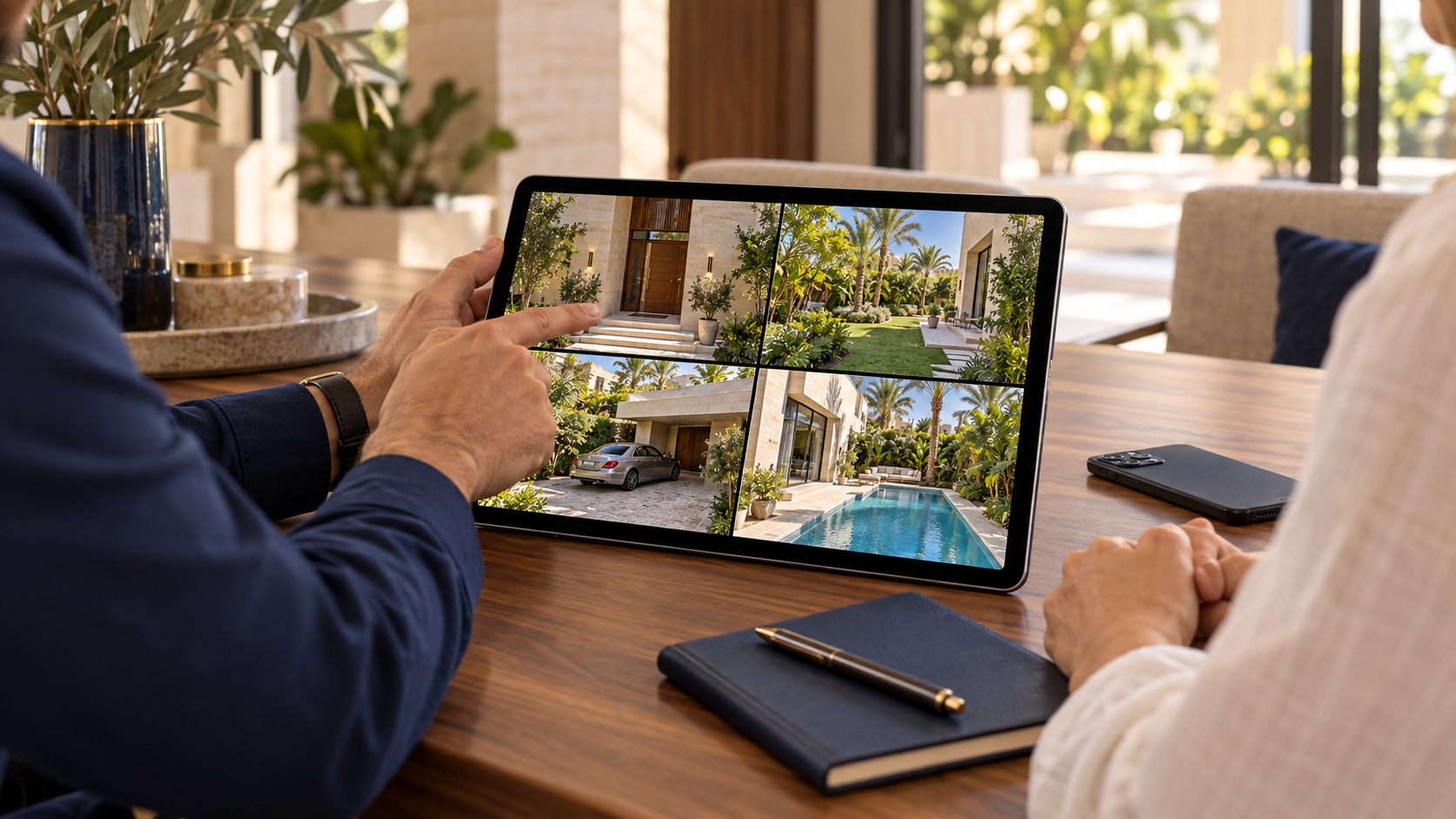 04 / Hand over
Configure your access and events, show you how it works, and support you after installation.
Your property. Your coverage.
Share your property type, location and the areas you want to monitor. A SwitchON engineer will help you plan the right system and quotation.
A few useful answers
We decide from the property layout, access points, viewing distances and the detail you want to see. A site assessment or your drawings help us build a useful coverage plan.
Yes, with a compatible system and the supported app. We configure mobile access during handover. Viewing remotely requires an internet connection at the property and on your phone.
We select infrared or colour night imaging to suit the cameras, distances and available light. The right choice depends on the property; colour night imaging may use supplemental lighting.
Retention depends on the number of cameras, resolution, compression, frame rate, recording schedule and storage capacity. We size the recorder and storage around the history you need.
We assess the available cable routes, network and existing equipment first. That lets us recommend a practical installation approach and explain any work needed before you proceed.